A Mobile Friendly Wedding Website Checklist for Every Generation of Guest
28 August 2026 · ElBach Digital Editorial Studio
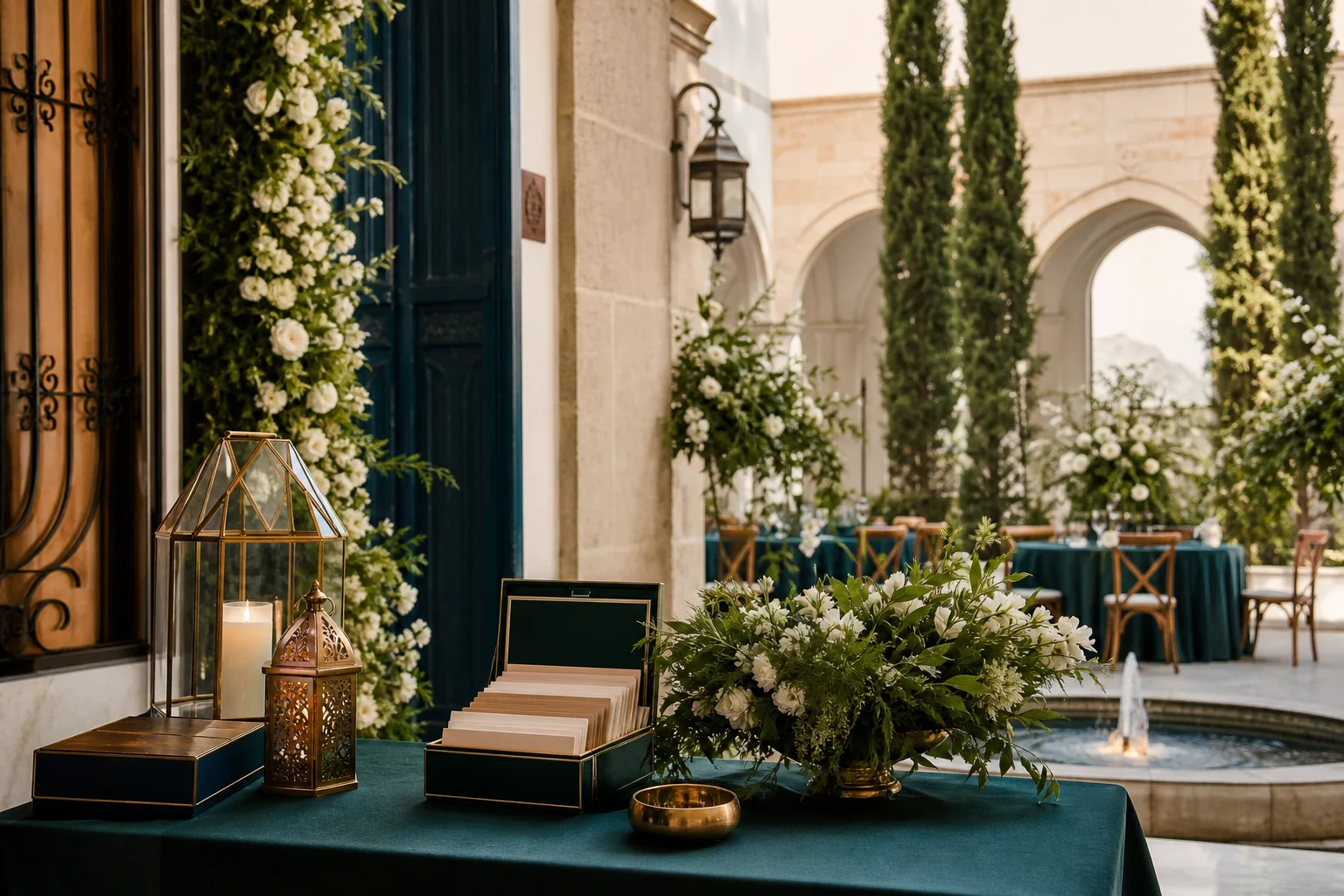
Your wedding website reaches guests across devices, time zones, and digital habits. A mobile first approach ensures every guest can navigate invitations,...
When your wedding invitation arrives in someone's inbox, many guests will tap the link on a phone before they find a computer. Whether you are a couple planning a destination wedding, a planner managing multiple events, or a venue guiding clients, a mobile friendly wedding website is no longer optional. It is the foundation of a smooth guest experience.
A mobile first website communicates respect for your guests' time and technology. It also shapes how smoothly your RSVP process flows, how guests discover your hotel partnerships, photographer details, and catering information, and ultimately how welcome they feel before they arrive.
Check Your Layout and Readability on Small Screens
Start by viewing your wedding website on an actual phone, not just a desktop preview. Scroll through each page as a guest would. Text should be large enough to read without zooming. Buttons for RSVP links should be easy to tap with a thumb. Headings should break up content into readable sections.
Test your site on different phones and browsers. iPhone and Android render pages differently. Check how your invitation announcement appears on a standard phone width around 375 pixels wide. At minimum, couples and planners should test on two current devices.
Venues and catering teams often add venue maps, parking information, and guest accommodation details to couple hosted wedding websites. Make sure these elements, especially images and embedded maps, load quickly and display clearly on mobile screens.
Verify All Links Work and Lead to Correct Pages
Every link on your mobile site should function smoothly. Test the RSVP form link from the homepage. If your site connects to an external RSVP platform like ElBach Digital's multilingual system, open that link on a phone and confirm the form loads completely.
Check links to partner pages like your hotel's booking site, photographer's portfolio, florist's order form, or beauty salon's appointment calendar. External sites should also be mobile friendly. If a partner's site is not mobile optimized, provide a phone number or email as an alternative contact method.
Broken links frustrate guests and create extra work for planners and customer support teams. Test every clickable element before you publish.
Design Simple, Clear Navigation
Mobile navigation should never hide essential information. Your wedding website needs a logical structure: invitation details at the top, RSVP information clearly visible, travel and accommodation sections, and any vendor or timeline details your guests need.
Use a simple menu, usually a three line icon (hamburger menu) on small screens. Keep the main menu items to five or fewer options. Each tap should take a guest exactly where they expect to go.
For destination weddings or large celebrations with multiple events, create a timeline page that lists each event with date, time, location, and dress code. This prevents confusion and reduces the number of guest calls to planners.
Ensure Mobile Forms and RSVP Are Simple and Quick
Your RSVP form is the most important interactive element. On a phone, a lengthy form frustrates guests and increases abandonment rates. Wedding professionals know that incomplete RSVPs create planning chaos.
Keep the RSVP form to essential questions: guest name, number of people attending, any dietary restrictions, song requests, or other critical information. Each question should appear on its own screen or in a visually separated section. Radio buttons and checkboxes are easier to tap on mobile than dropdown menus.
Include a confirmation message that appears after submission, reassuring guests that their response was received. This simple confirmation prevents duplicate submissions and guest anxiety.
Optimize Images and Videos for Mobile Speed
Large image files slow down mobile loading. Compress images without sacrificing quality. If you include photos of your venue, catering samples, or the couple, file sizes should be under 500 kilobytes each.
Videos should auto play only with sound muted (most mobile guests mute auto playing content anyway). Provide video captions for guests watching without sound.
Wedding photographers, florists, and other vendors who link to their work from your wedding website should use optimized images too. Slow loading times create a negative impression of the entire celebration.
Use Readable Fonts and Sufficient Color Contrast
Choose fonts that remain legible at small sizes. Sans serif fonts like Arial, Helvetica, or modern alternatives work well on phones. Avoid thin, decorative fonts that become blurry or unreadable on small screens.
Text color must contrast clearly with the background. Black or dark gray text on a white background works universally. If you choose a colored background, ensure the contrast is strong enough for guests with low vision or those viewing in bright sunlight.
Test your color choices for color blindness using online contrast checking tools. Weddings bring together guests with different visual abilities, and accessible design includes everyone.
Mobile Friendly Wedding Website Checklist
Before launching your website, verify each item:
- Homepage loads in under three seconds on a mobile connection
- All text is readable without zooming
- All buttons and links are easy to tap with a thumb
- RSVP form works completely on mobile
- Images and videos are optimized and load quickly
- Navigation menu is simple and functional
- Phone numbers are clickable links
- Maps and venue details display correctly
- Hotel and travel partner links work and are mobile friendly
- Catering menu, photographer portfolio, and other vendor pages are accessible
- Color contrast meets accessibility standards
- Form confirmation appears after submission
- No horizontal scrolling is required
A Note for Venues, Planners, and Wedding Professionals
When you guide couples to build or optimize wedding websites, include mobile testing in your recommendations. Venues should ensure couple hosted sites accurately display parking, directions, accessibility information, and guest accommodation details. Planners can suggest a simple page structure and mobile optimization early in the design process. Photographers, florists, caterers, beauty salons, and bridal boutiques benefit when wedding websites link clearly to their services, with mobile friendly partner pages.
Guest experience begins with an invitation that opens smoothly on a phone. From there, a mobile friendly website creates confidence in the celebration ahead.
Frequently Asked Questions
Why does mobile friendliness matter for wedding websites? Most guests will first visit your wedding website on a phone. A mobile friendly design ensures they can read details, RSVP easily, and find accommodation information without frustration.
How do I test if my wedding website is mobile friendly? Visit your website on an actual phone, not a desktop preview. Scroll through every page and test all links, forms, and interactive elements. Ask a few friends to test it on their phones too.
What should I prioritize on a mobile wedding website? RSVP functionality, venue location, date and time details, travel and accommodation information, and a simple navigation menu. Keep it focused and uncluttered.
Are there tools to check mobile friendliness? Google's Mobile Friendly Test tool provides a free check. Many website builders also include mobile preview modes.
Can I have a beautiful design and still be mobile friendly? Absolutely. Clean, simple design is often more beautiful than cluttered design. Mobile friendly sites tend to be elegant and focused.
A mobile friendly wedding website is a gift to your guests. It demonstrates care for their experience and removes barriers between your invitation and their enthusiastic RSVP.
For couples and planners seeking a dedicated RSVP experience that is multilingual, mobile optimized, and designed specifically for weddings, explore what ElBach Digital can offer. You can also discover more expert insights on our blog.
Your guests deserve a wedding website that welcomes them exactly as they are, device in hand, ready to celebrate.
Planning a wedding?
Tell us about your celebration and receive a tailored proposal for a multilingual digital RSVP experience.
Tell us about your celebrationThe Journal, by email
One thoughtful celebration idea a day
Digital invitation guidance, guest experience, multilingual etiquette, and design ideas. Unsubscribe in one click.
ELBACH Digital FZ-LLC · Ras Al Khaimah, UAE · contact@elbachdigital.com